

Home Scan
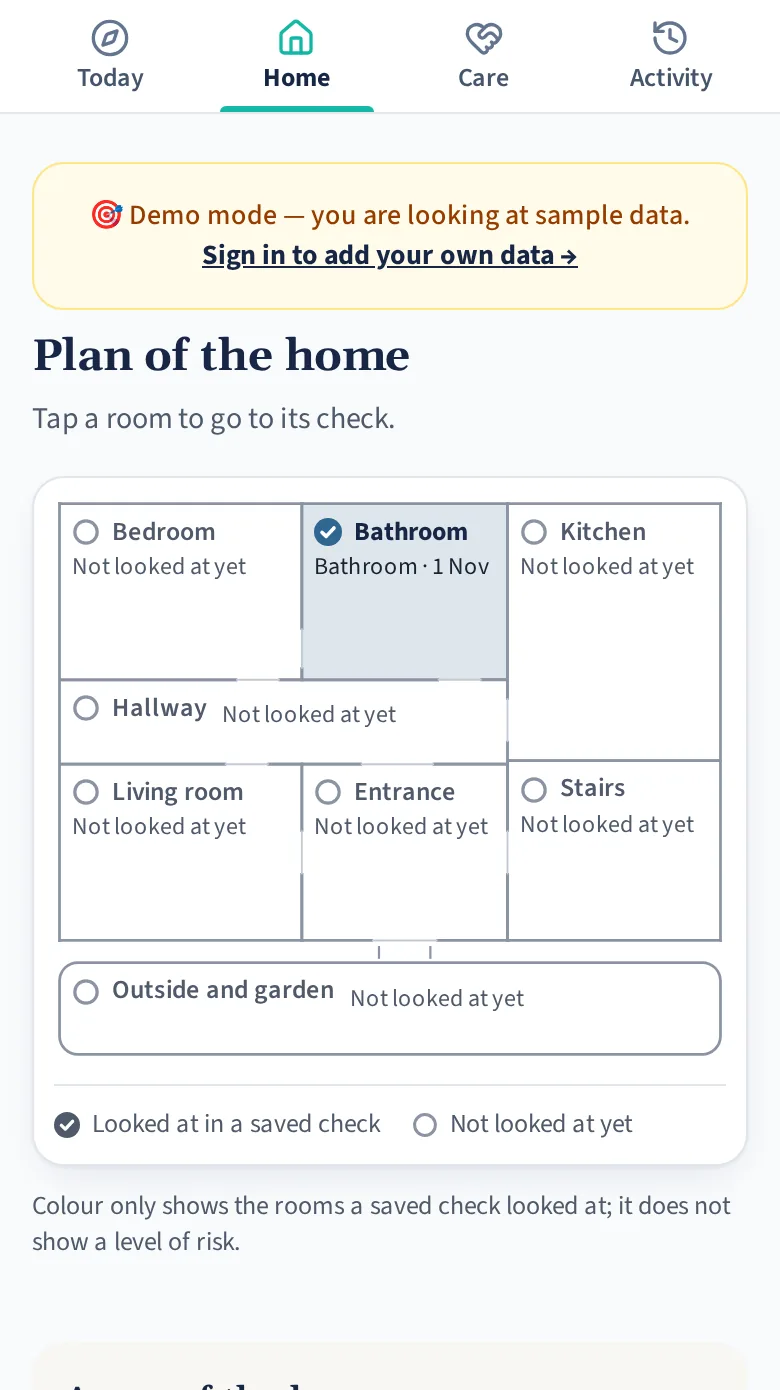
Review the whole home, one area at a time.
Help families review needs across the home and leave with steps they can start.
Here for your own family?Try the Home Scan.
ParentsSAFE · powered by SILVERNETWORK
Help families take the next step.
ParentsSAFE provides home checks that associations, ageing organisations, renovation firms and brands offer to families on their own websites.
Families complete the home checks that open on your website; they come away with next steps for their home and a family plan to follow. You choose the checks that fit your programme.
Your request reaches the Silver Network team; we will get back to you.
Explore the checks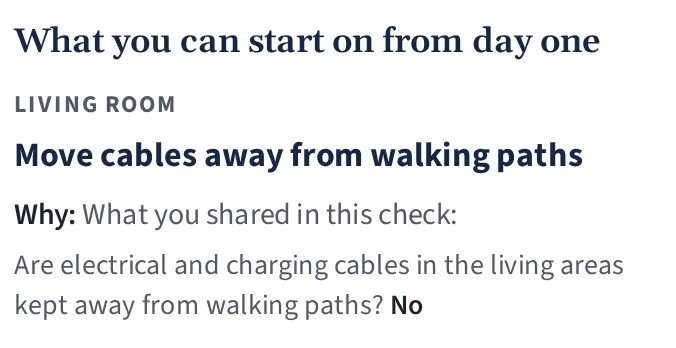
SilverNetwork Nano AI Edge Home Scan · Site Visit Killer
Pilot programmeIn the pilot programme run with organisations, the family shows the home with their phone. SilverNetwork Nano AI Edge runs in the browser, on the phone itself: no app to download, no images to upload. Before setting off, your team sees a pre-visit file prepared from the family's answers.
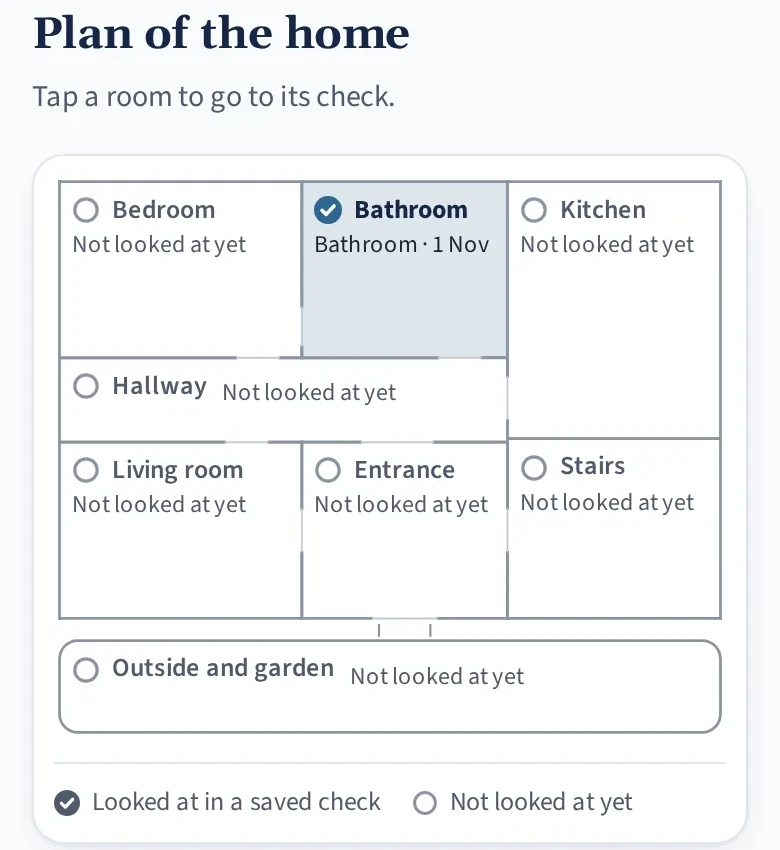
Site visit file · Bathroom
A sample of the file your team sees before setting off in the pilot programme
Points for the specialist
SilverNetwork Nano AI Edge brings the preliminary review forward; points that need measurement or an installation decision are handled with a specialist.
Join the Site Visit Killer pilotYour request reaches the Silver Network team; we will get back to you.
See the sample site fileProduct family
The Home Scan, Quick Falls Check and room checks can be offered separately, so you can start with one.
Review the whole home, one area at a time.
Help families review needs across the home and leave with steps they can start.
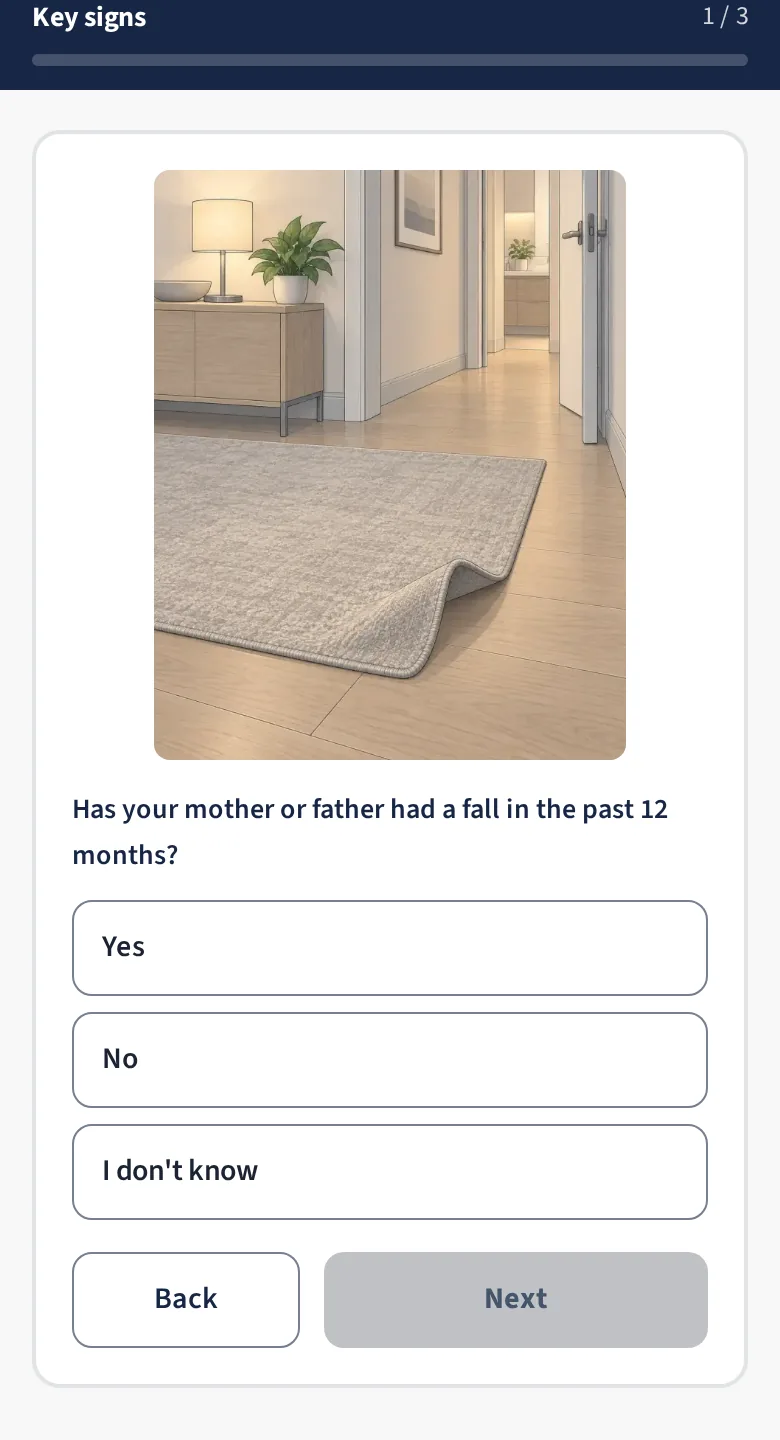
Look beyond the home to everyday movement.
Offer a separate check of everyday movement and habits, based on what the family shares.
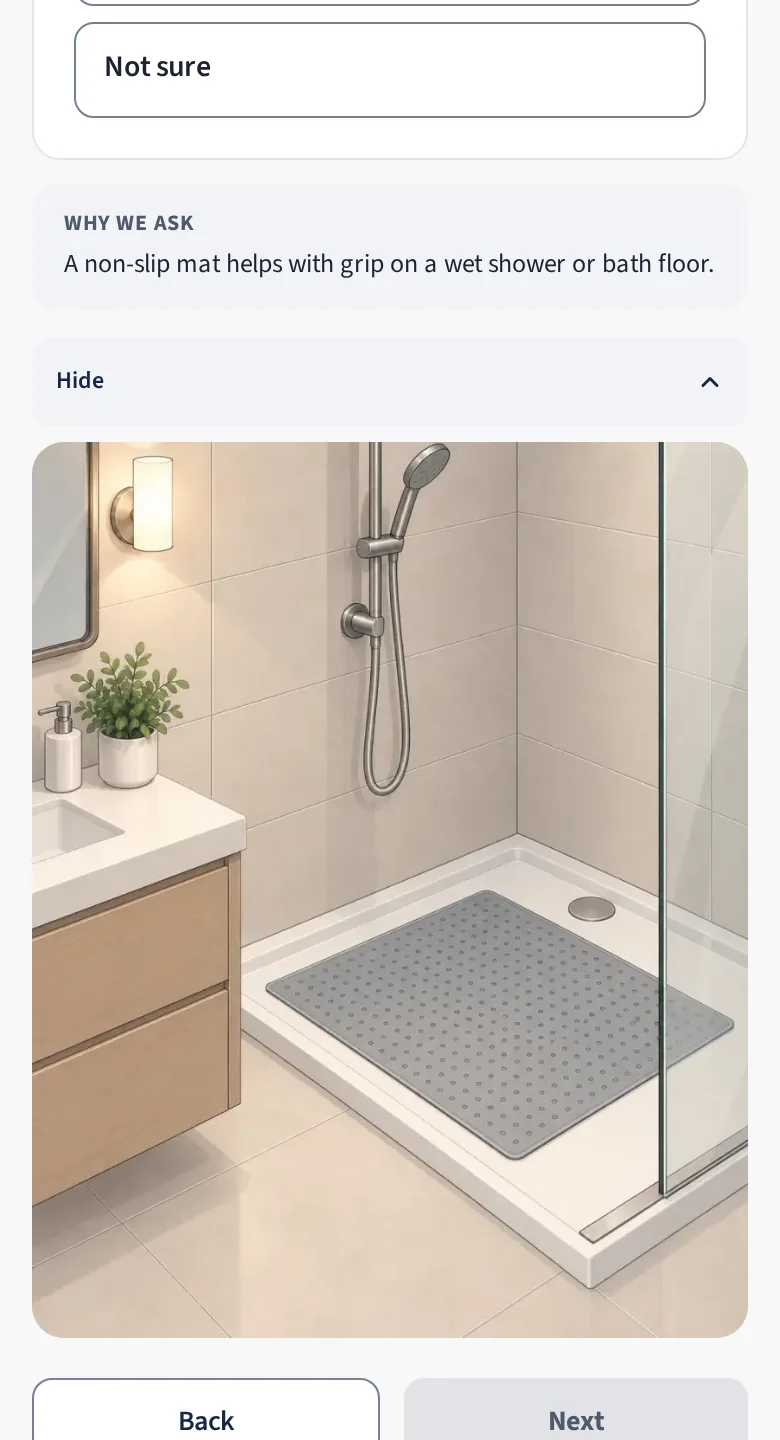
From shower access to everyday use.
Help families review shower or bath access, flooring, support points, the toilet area and night-time use.
Families review the bathroom with questions; the SilverNetwork Nano AI Edge scan is part of the pilot programme.
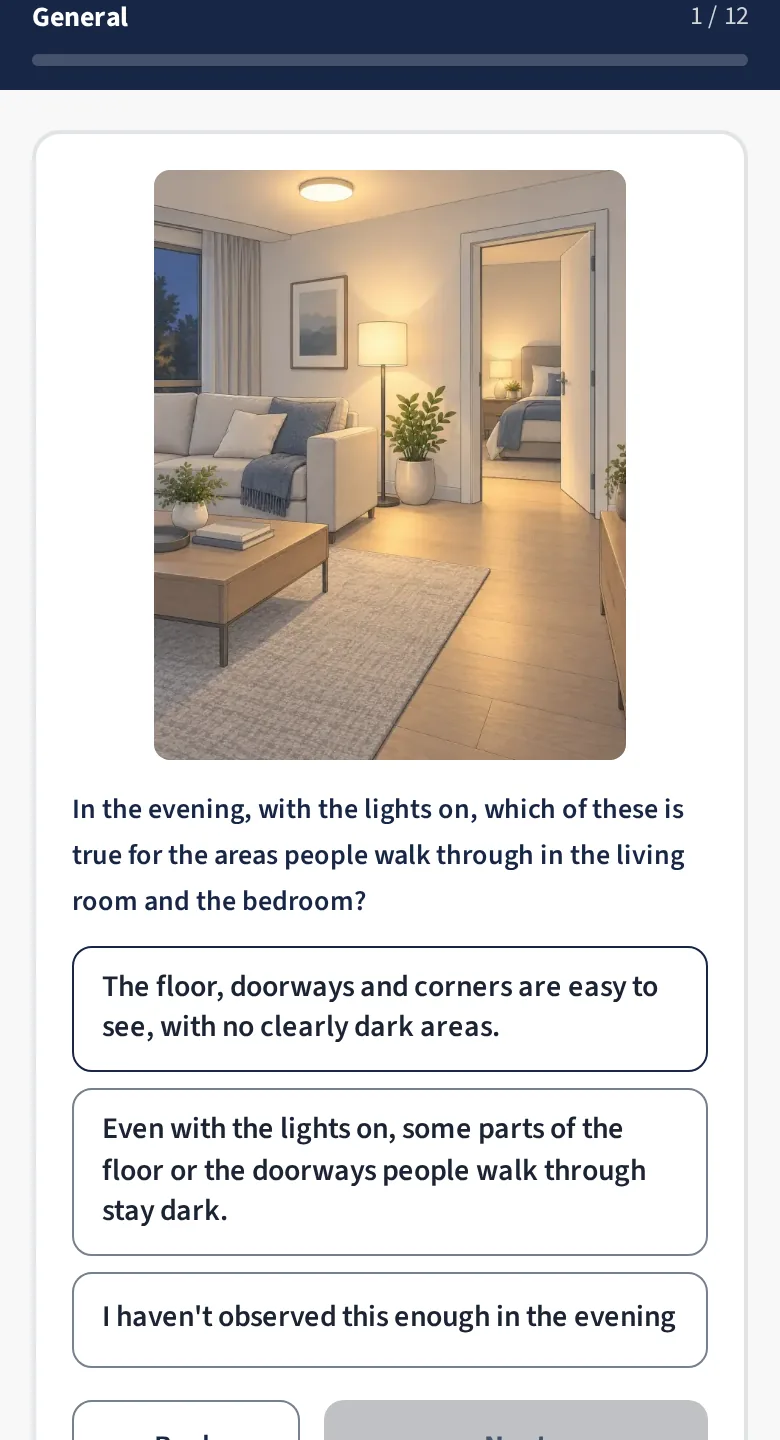
Review night-time routes and access to light.
Offer steps for night-time movement, the route to the bathroom, access to switches and glare.
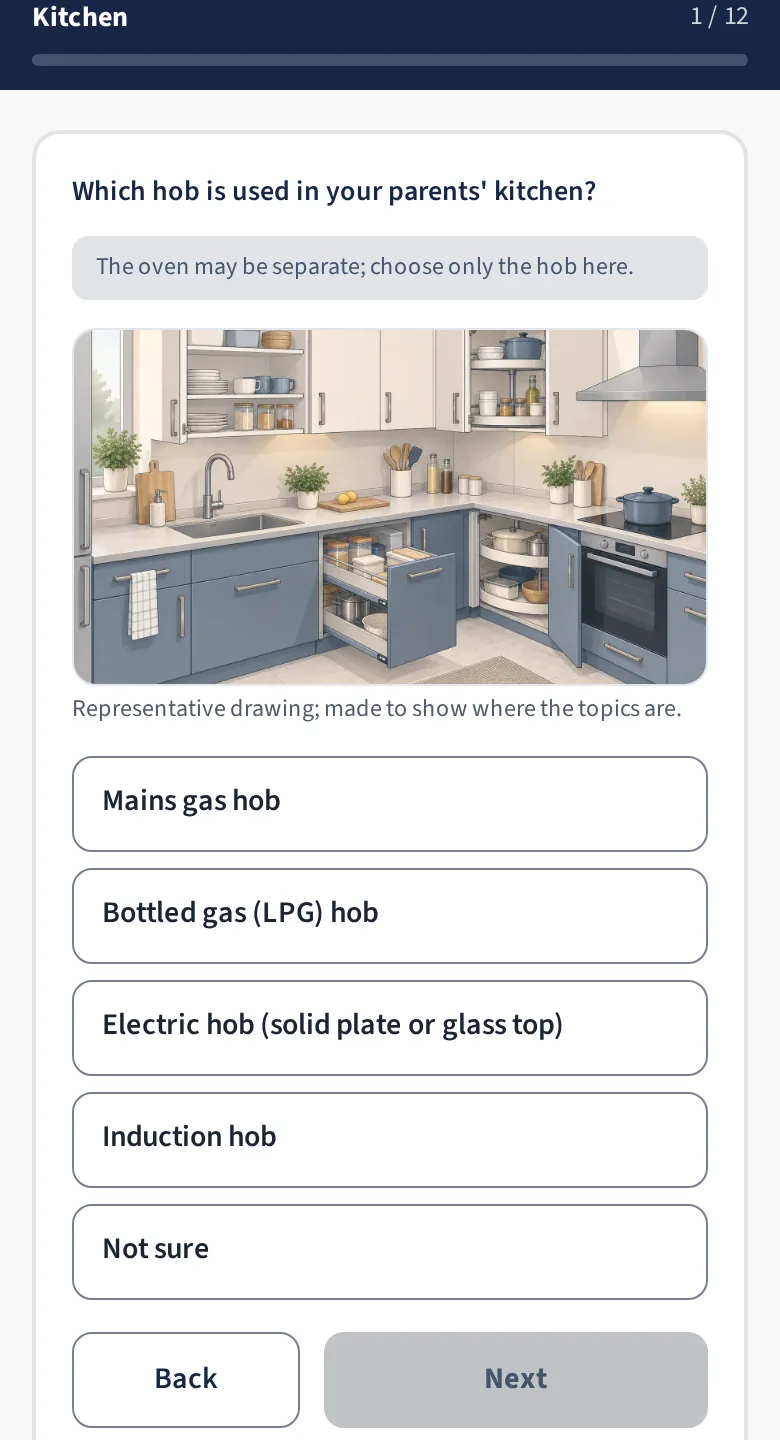
Review reach, grip and working space.
Review worktops, the area around the cooker, access to shelves and room to move.
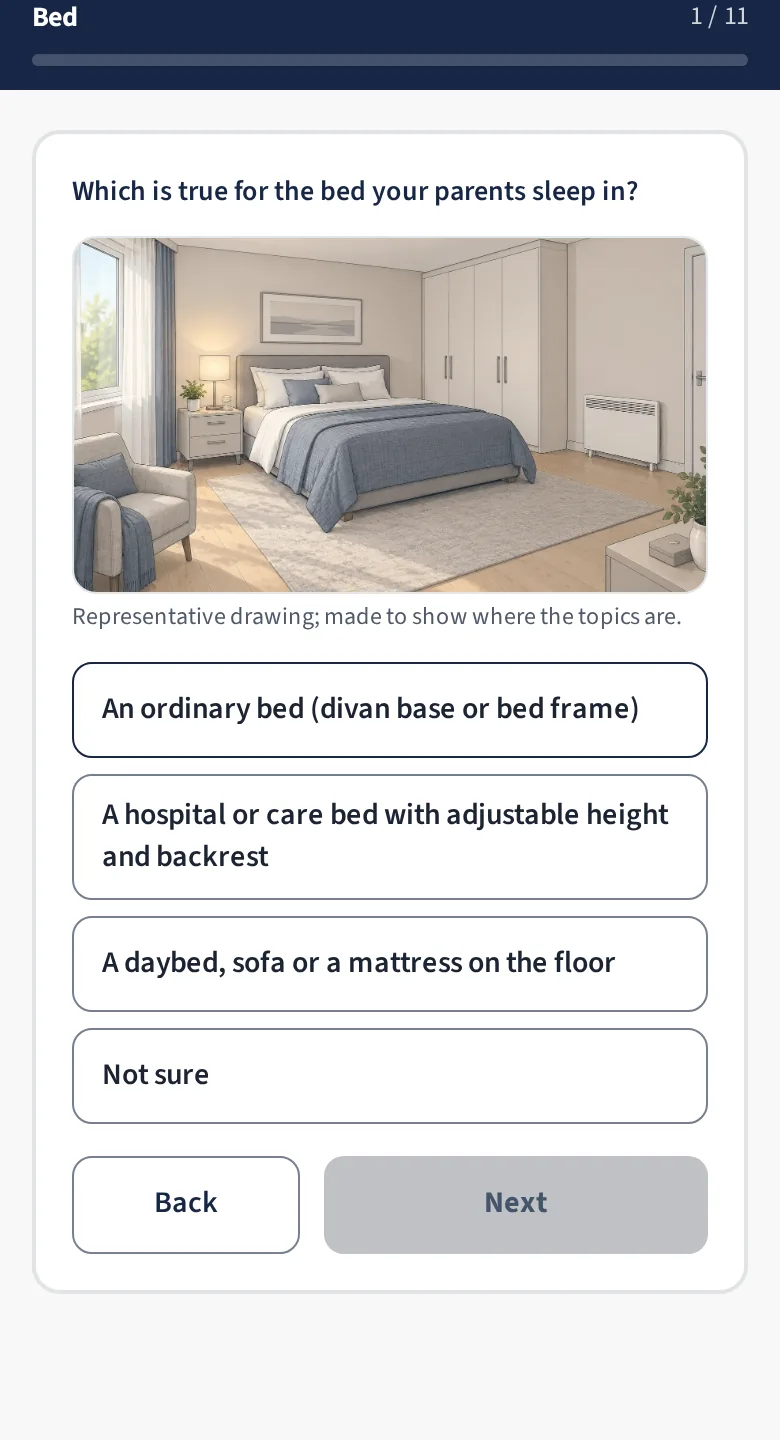
From getting out of bed to lighting at night.
Offer steps for getting in and out of bed, reaching what is needed and moving around at night.
The Home Scan looks at the home; the Quick Falls Check looks at the person's everyday movement and habits.
Bathroom, kitchen, bedroom or lighting: your brand can offer just the check relevant to its field.
A window on your website
Your chosen check opens from a button on your website, giving families a next step during their visit.
Families use the application, starting from a button on your website.
Illustrative diagram
Brand and programme settings
Your brand's look, the sections shown and the next step you offer families are set up to suit your programme.
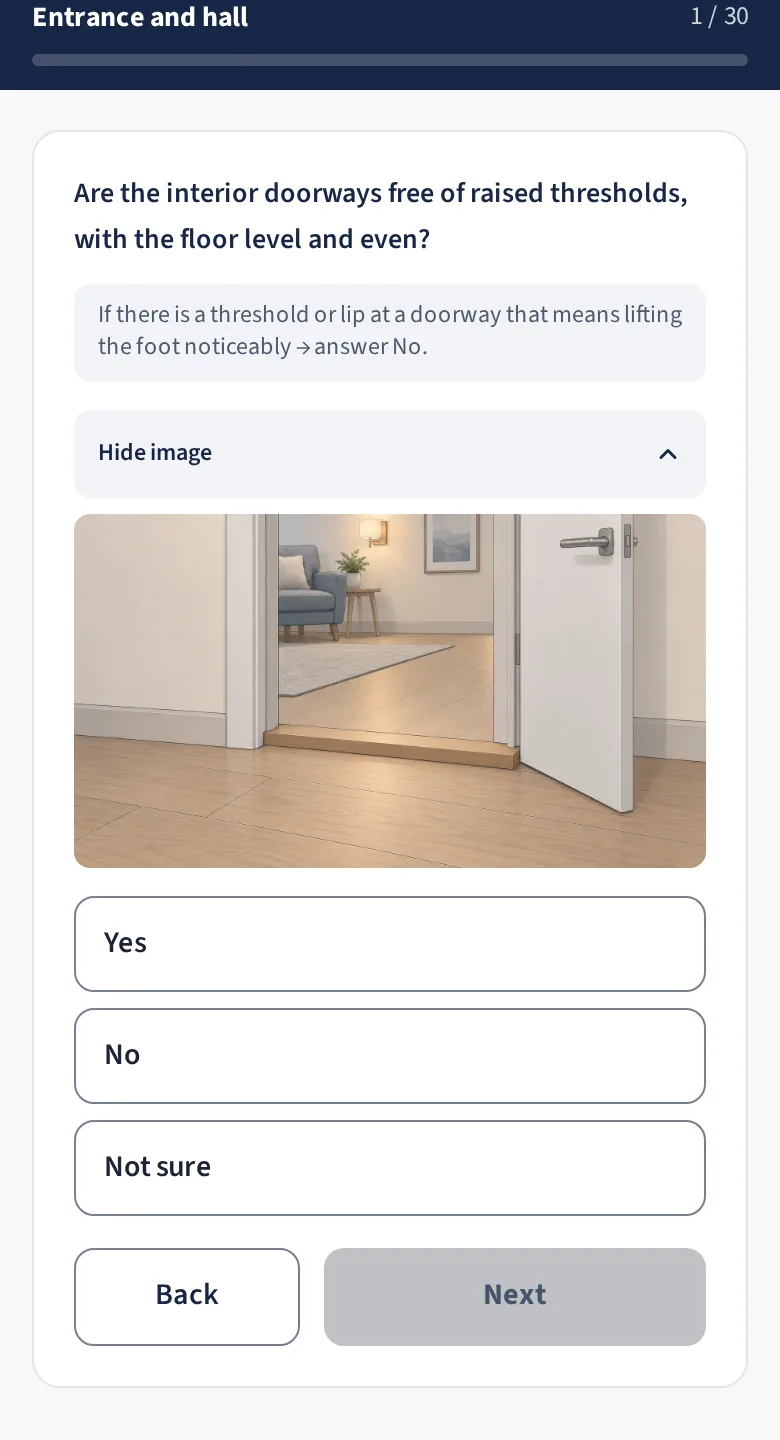
Are the interior doorways free of raised thresholds, with the floor level and even?
Are the interior doorways free of raised thresholds, with the floor level and even?
The presentation changes; the meaning of the questions and recommended actions does not.
Illustrative diagram
From home insight to family action.
The check gives families a starting point and groups of actions; the Family Panel turns those steps into a plan the family follows through.
Actions are grouped by how they get done
Next step
After the check, families can continue to the service, package or contact destination you have selected.
When the family chooses to ask for help, the request currently reaches the Silver Network team, who get back to the family.
Your website
Family check
Family plan
Your service path
Use by type of organisation
Choose the check that fits your community, customers or product range.
Bring your work on ageing into families' homes through checks and an action plan.
In the pilot programme, let families start the preliminary review with SilverNetwork Nano AI Edge, then continue the service conversation with that need in context.
Offer checks across the home and connect the family's chosen need to your service.
Offer just the Bathroom Check or Bedroom Check on your own website.
Who uses it, which check to start with and how the next step connects to your service.
What happens next
We talk about which families you reach, which check you want to offer and what service should follow.
It is set up with your name, logo and colour; we preview the draft together before publishing.
Added with a single line of script; families start the check from a button on your site, and the next step is your service.
Your request reaches the Silver Network team; we will get back to you.
Silver Network is the partnership that connects these tools to your local work.
ParentsSAFE · powered by SILVERNETWORK